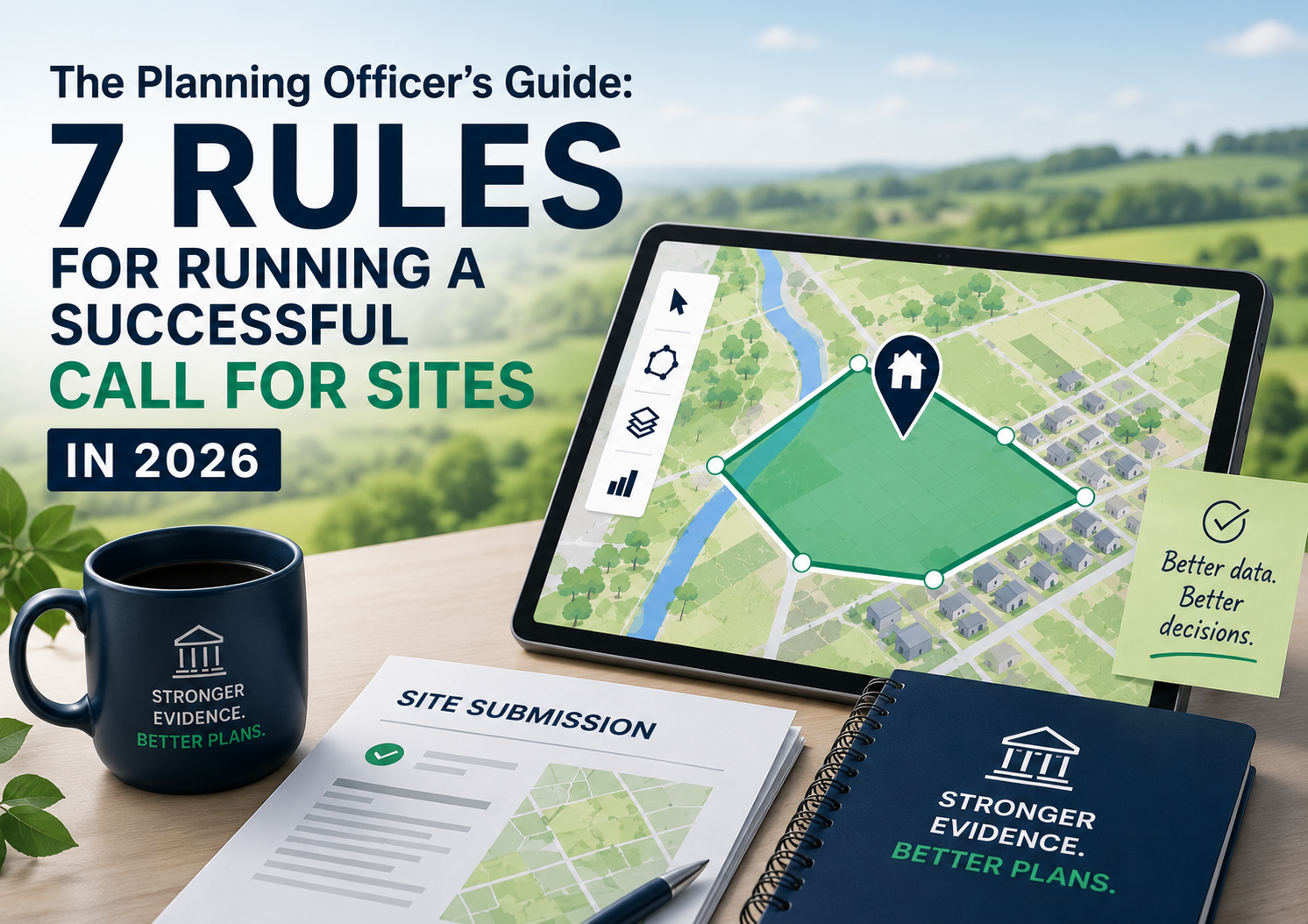
Picture this. Your Call for Sites has just closed.
You've got hundreds of submissions sitting in your inbox, some as emails, some as PDFs, some as spreadsheets, and a few that someone has helpfully sent in on paper.
Your team is already stretched, and now you've got to somehow get all of that into a usable format before you can even begin to think about assessment.
Sound familiar? You're not alone.
For many local councils and planning authorities, the Call for Sites is one of the most resource-intensive stages of the entire local plan process. But it doesn't have to be. With the right approach, and the right tools, it can actually be one of the smoothest.
Here at JDi Solutions, we’ve put together this helpful guide to running a successful Call for Sites in 2026.
First things first - what is a Call for Sites?
A Call for Sites is a formal process run by local planning authorities (LPAs) to identify land that could be suitable for future development.
You're inviting landowners, developers, agents and community groups to submit sites for consideration as part of your local plan evidence base.
Simple in theory. Potentially chaotic in practice, unless you plan ahead.
1. Make it as easy as possible to submit a site
Here's a truth that's easy to overlook: the harder you make it to submit a site, the fewer submissions you'll get. And fewer submissions means a weaker evidence base. 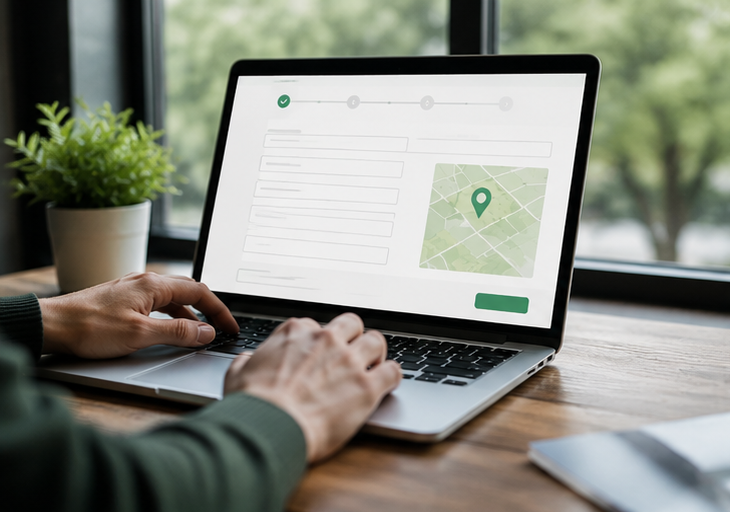
So, think about your submission process from the perspective of someone who has never done this before.
- Is your online form easy to find?
- Is the guidance clear?
- Does it work on a mobile phone?
The planning teams we work with that see the highest online submission rates are the ones that make the process feel effortless.
One council told us that 92% of their 303 submissions came in online and, with the help of OpusConsult, that data was instantly ready to process. No manual re-entry. No chaos.
2. Use interactive mapping to capture better data
One of the biggest headaches in any Call for Sites is receiving submissions with vague or inconsistent boundary information. Where you find yourself having to spend hours manually plotting those sites onto a map, valuable time disappears fast.
The fix: let submitters draw their own site boundary directly onto an interactive map as part of the submission process. The data you receive is cleaner, more consistent, and ready to feed straight into your GIS system, without anyone having to replot a thing.
Tools like OpusMap make this seamless, connecting site submission data directly to your mapping workflow and saving planning teams significant time during the assessment stage.
3. Sort your data management before you go live
This one is so important and so often overlooked. Before your Call for Sites opens, you need a clear plan for how you're going to manage the data as it comes in. 
Ask yourself:
- How will you log and track submissions as they arrive?
- How will you flag incomplete or duplicate submissions?
- How will you share data securely across your planning team?
- How will you export data into your wider evidence base?
Getting this right at the start means you're not scrambling at the end. Specialist consultation software like OpusConsult handles much of this automatically, but having a clear internal workflow to sit alongside it matters just as much.
4. Think about how you'll handle the assessment stage
Receiving lots of submissions is great.
Assessing them efficiently is another challenge entirely, especially for planning policy teams in local government who are already working at capacity.
Having a clear assessment workflow in place before you go live means you're not making it up as you go along when the submissions start rolling in.
With specialist consultation software like OpusConsult, much of the admin around organising and categorising submissions is handled automatically, leaving your team free to focus on the actual planning judgements that matter.
5. Don't forget about accessibility
Under the Equality Act 2010, local planning authorities have a legal duty to make their consultations accessible to everyone. 
That means your online submission portal should meet Web Content Accessibility Guidelines (WCAG 2.2 AA), your guidance documents should be available in accessible formats, and you should have a clear process for supporting people who can't submit online.
Getting accessibility right also means more people can take part, which leads to more submissions, more diverse perspectives, and a stronger evidence base. (This is something else we can help with too.)
6. Shout about it
A Call for Sites is only as successful as the number of relevant submissions it generates.
Don't just publish a notice on your website and hope for the best. Use every channel available to you. Email your stakeholder lists. Post on social media. Get in touch with parish councils, landowner groups and developer networks. Make it easy for people to share the details with others.
And when people do submit, tell them what happens next. When will their site be assessed? When will they hear back? How will their submission be used?
Clear communication builds trust, and trust encourages participation in future consultations too.
7. Review what worked and what didn't
Once your Call for Sites closes, take the time to review how it went.
What was your online submission rate? What took the most officer time to process?
With local plan reviews becoming more frequent under the new planning regime, the lessons you take from this Call for Sites will make your next one even better.
Ready to make your next Call for Sites the best one yet?
At JDi Solutions, we've been supporting 40+ local government and council teams with digital planning consultations for over 20 years.
OpusConsult and OpusMap - The Opus System - are purpose-built for planning policy teams, helping local councils receive more online submissions, process them faster, and produce cleaner data for their local plan evidence base.
Want to see how it all works together? We'd love to show you.
Book a free demo here or drop us an email at info@jdi-solutions.co.uk.
TL;DR - The Quick Version
Running a successful Call for Sites in 2026 comes down to seven things:
- Make it as easy as possible to submit a site online
- Use interactive mapping to capture cleaner, more consistent data
- Sort your data management process before you go live
- Plan for the assessment stage
- Make sure your consultation is fully accessible
- Shout about it across every channel you have
- Review what worked and carry those lessons forward
Want help with any of the above? That's exactly what we're here for. Book a free demo here or drop us an email at info@jdi-solutions.co.uk.